

End-to-end ownership
Solo designer from brief to dev handoff. In charge of audit, research, IA proposals, visual exploration, and final specs.
Restructuring Jetpac's navigation from a single-product hierarchy to a four-product structure

Role
Product Design Lead
Collaborators
CTO & CGO
1 Designer
3 Engineers
1 PM
Timeline
Dec 2025 – Mar 2026
Scope
Web & App Navigation Information Architecture
Interaction Design
Overview
Starting as an eSIM app, Jetpac expanded into Voice, Lounge Access, and Fast Track, but only 3% of customers were buying anything outside of eSIMs. This case study covers how the navigation was restructured across web and app to give every product a fair chance, without displacing the one driving 95% of revenue.
Impact
Voice, Lounge Access, and Fast Track now have dedicated entry points for the first time. The 3% cross-sell baseline was the direct target; post-launch conversion data to follow.
Contributions
Problem
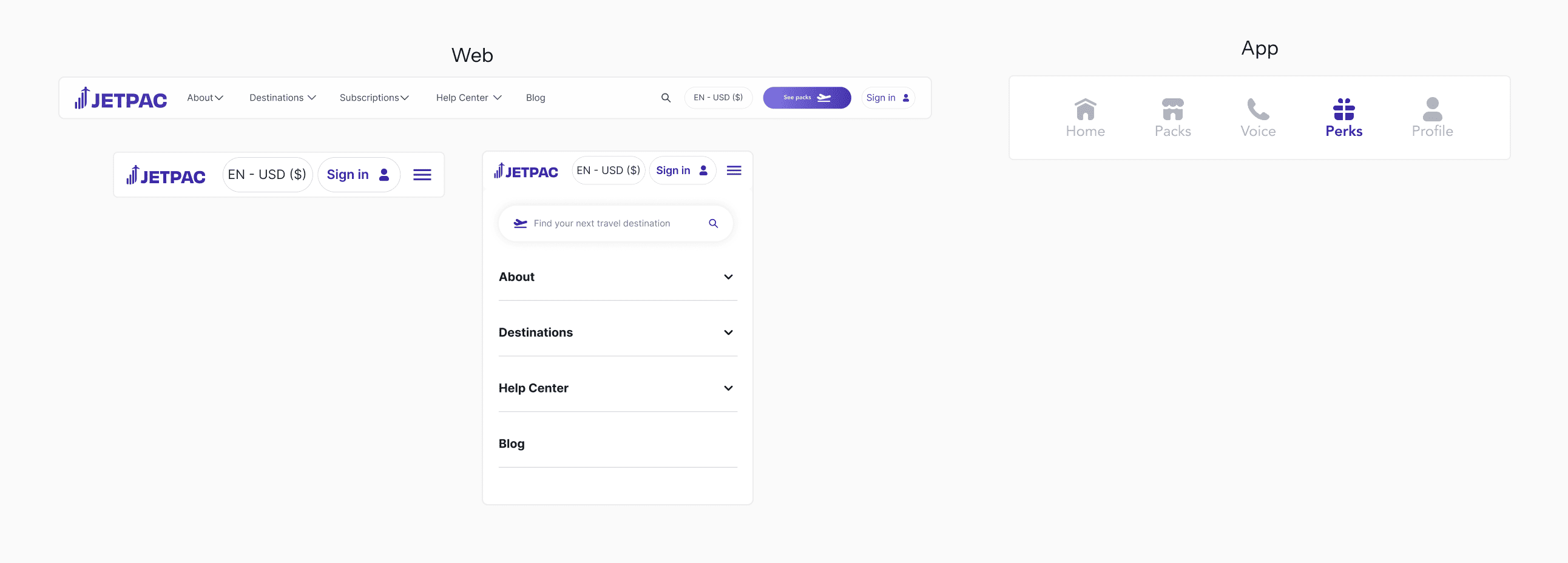
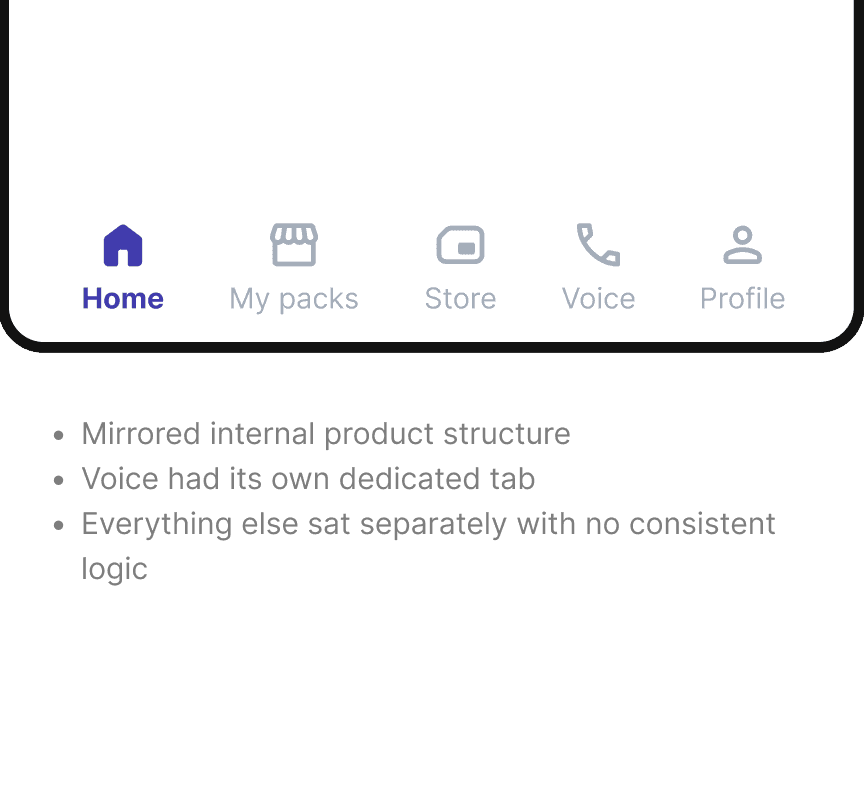
Original navigation
Goal
User goals
Travellers can discover any Jetpac product, without needing to know where to look or how the app is structured.
Business goals
Keep eSIM as the primary product while increasing cross-sell sales beyond 3% by making Voice, Lounge Access, and Fast Track discoverable.
Process
Web allowed a full product-first hierarchy, unconstrained by a tab bar.
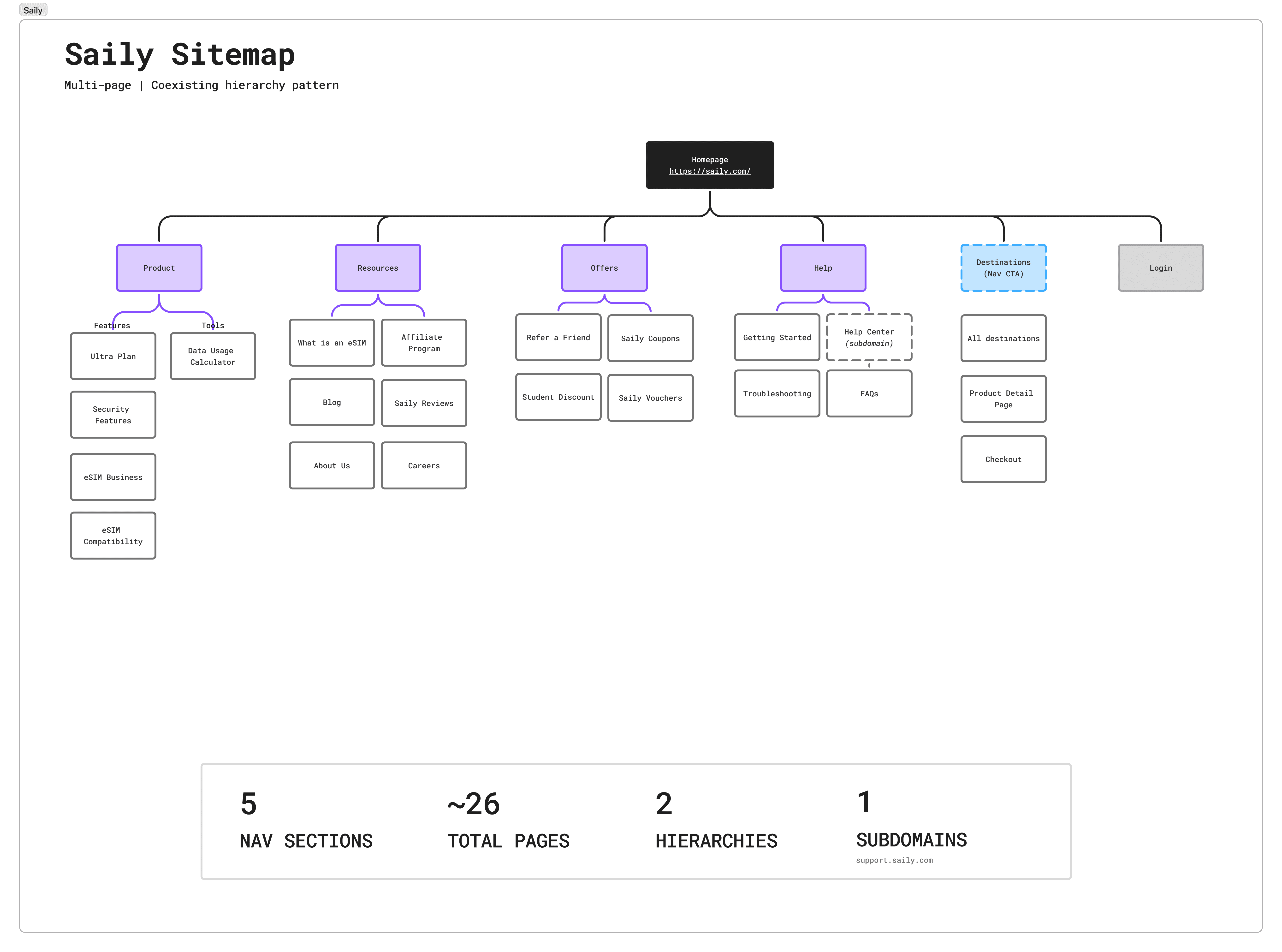
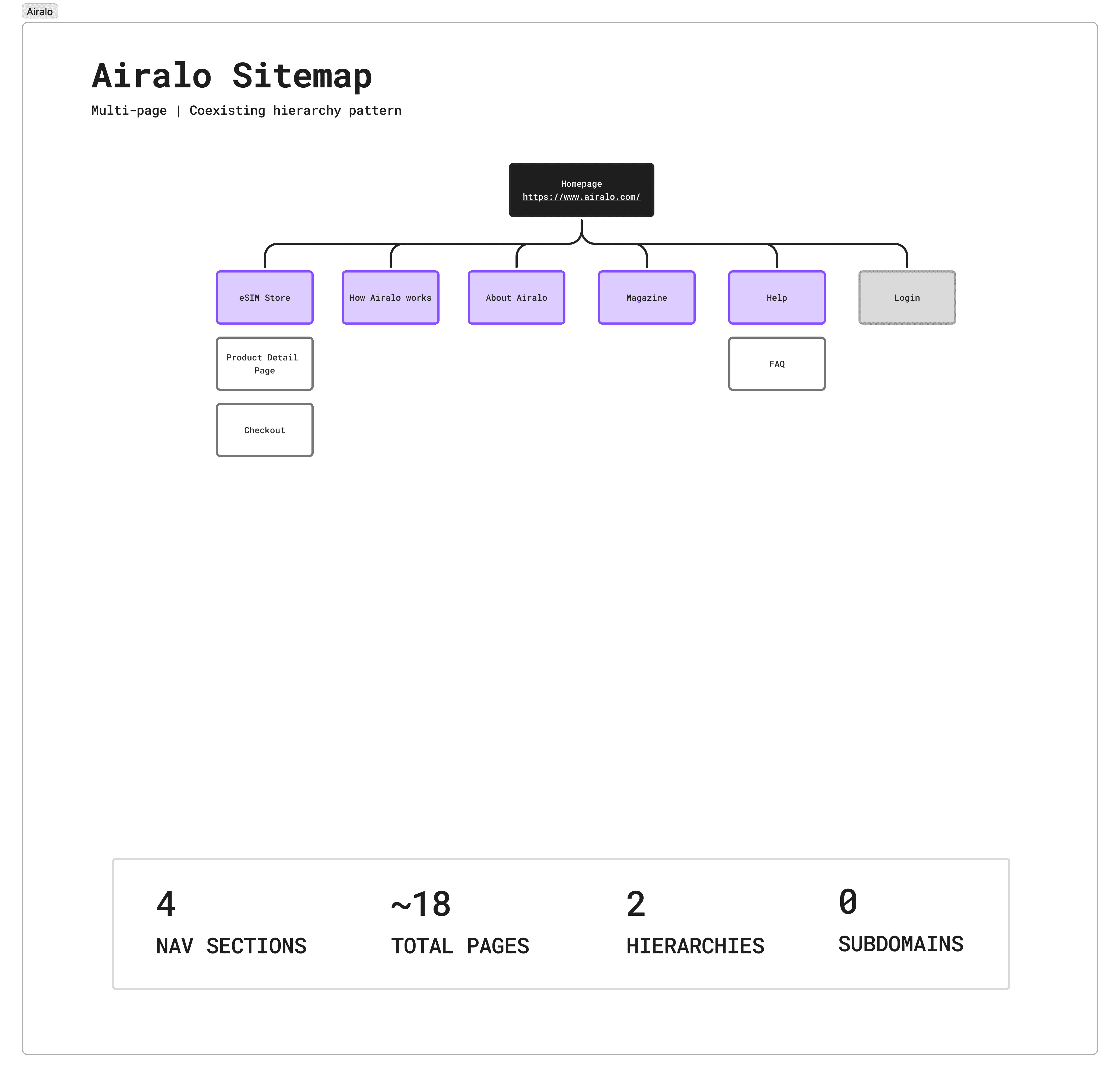
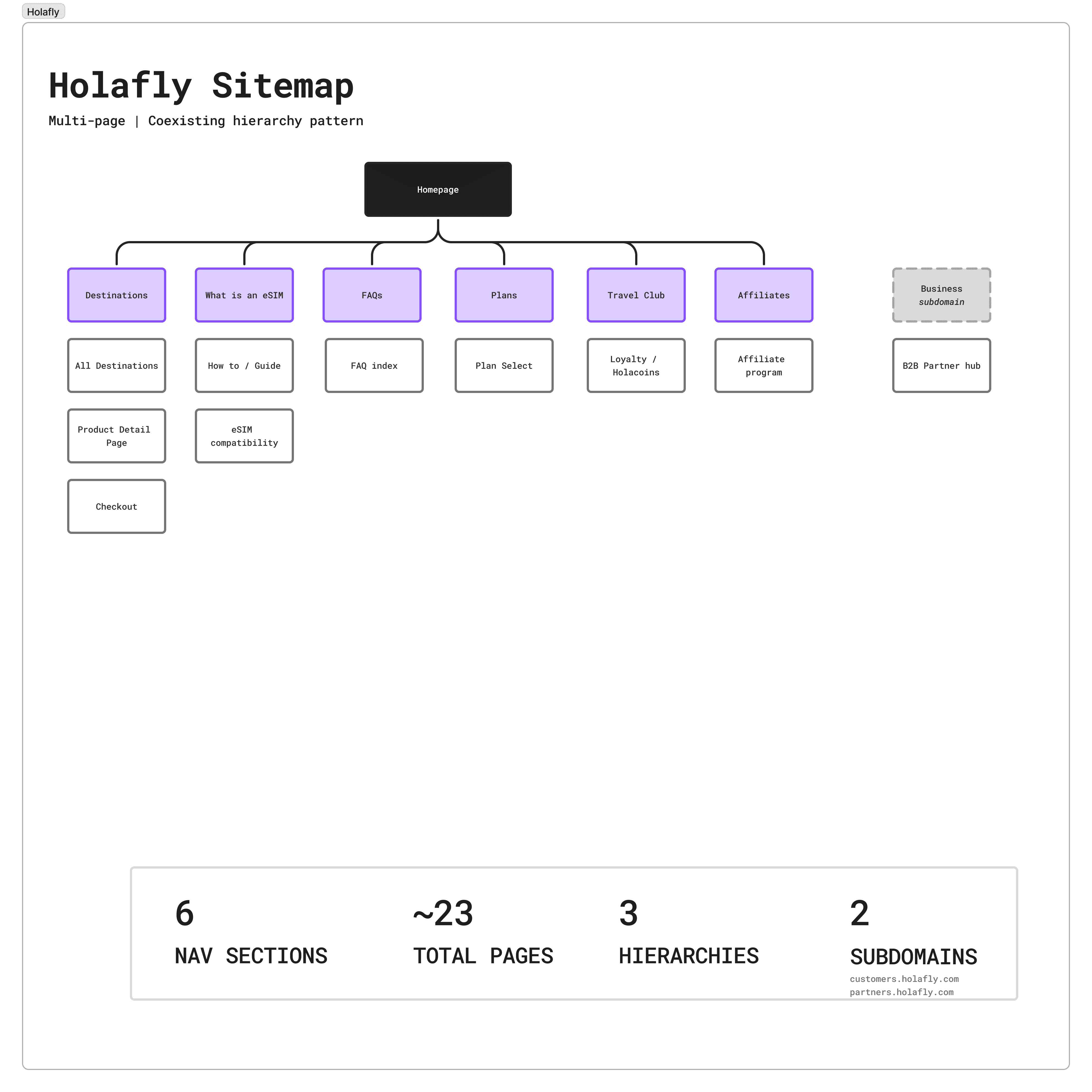
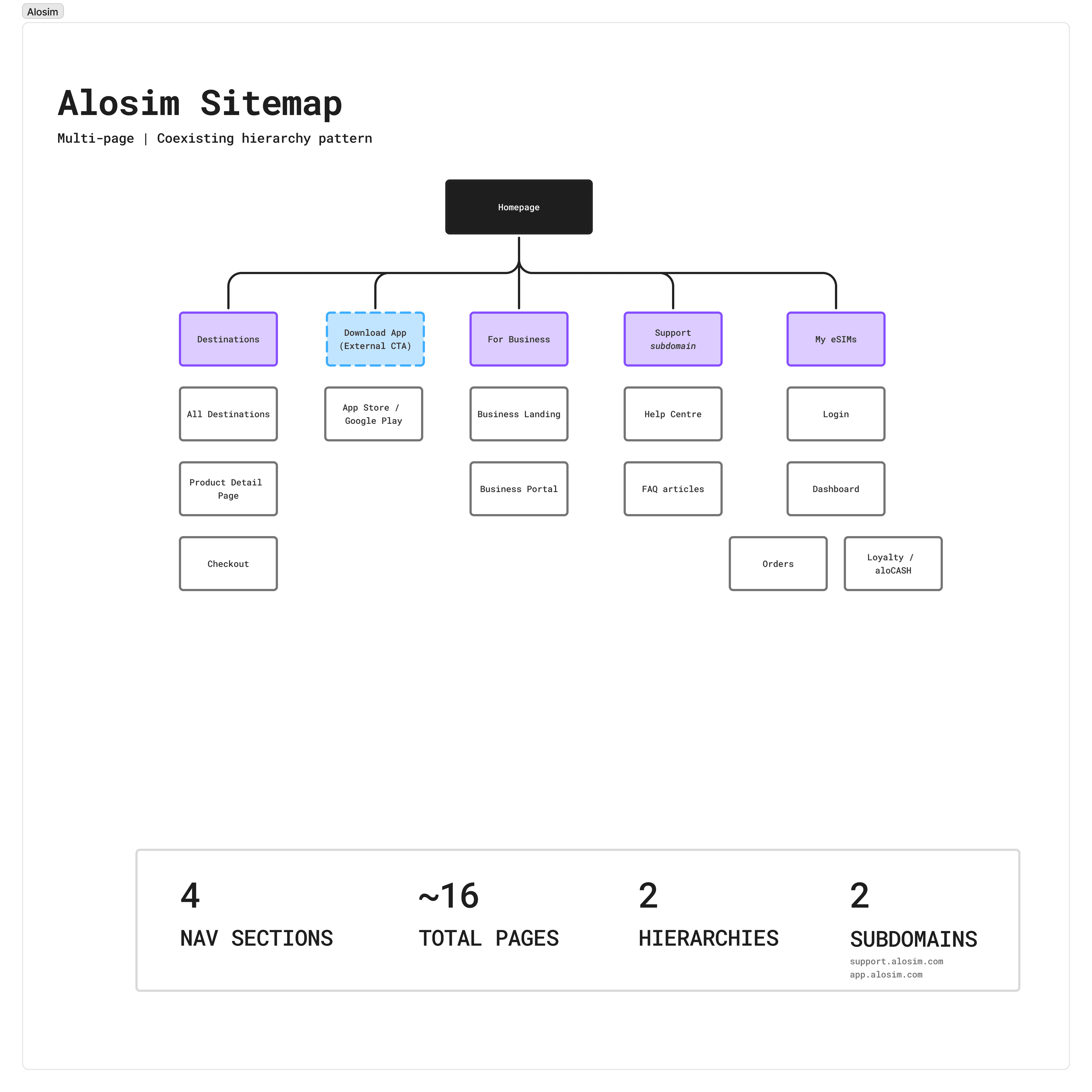
I audited Jetpac's sitemap solo: 28 pages, 5 nav sections, then benchmarked against four direct competitors and a wider set of multi-product e-commerce brands. The finding was consistent: every eSIM competitor navigates like a single-product company and Jetpac wasn't one anymore.

Jetpac sitemap
Competitor research
Consolidating Jetpac's navigation meant making calls about what counted as a product, what belonged in the footer, and how much the web and app could diverge. I proposed three directions to surface those trade-offs early.
What did stakeholders push back on?
CTO: Separate product pages on web make more sense than a single store destination — the store model works for app, not web.
Business: Currency and language selectors should stay separate, not grouped as a single pill.
Agreed: Lower-priority pages moved to the footer. Blog can be moved to within a nav section, reducing it from 5 sections to 4.
Process
The app had more restrictions, hence requiring a different approach to the website. The bottom bar and mobile context demanded fewer, broader categories.
Three proposals came from three different parts of the team. Each reflected a different view of the app's primary job.
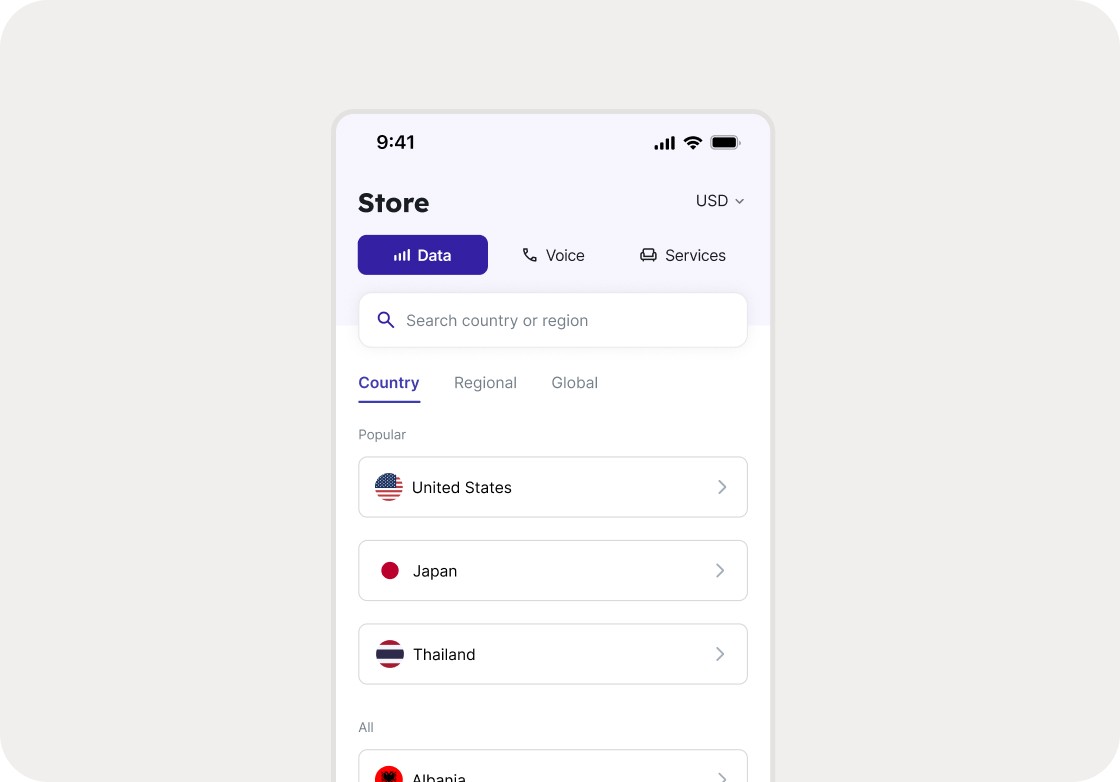
Proposal 3 was mine. Voice, Lounge, and Fast Track are products, not navigation categories. Everything purchasable belongs in the Store. Home, Store, Manage, Profile maps to how users think: arrive, buy, manage, account. Leadership aligned on it.

Final App IA: Proposal 3 (Mine)
The Manage tab had no icon that clearly communicated its purpose. I explored 27 combinations of icon styles, active states, and label treatments before the team converged on a direction.
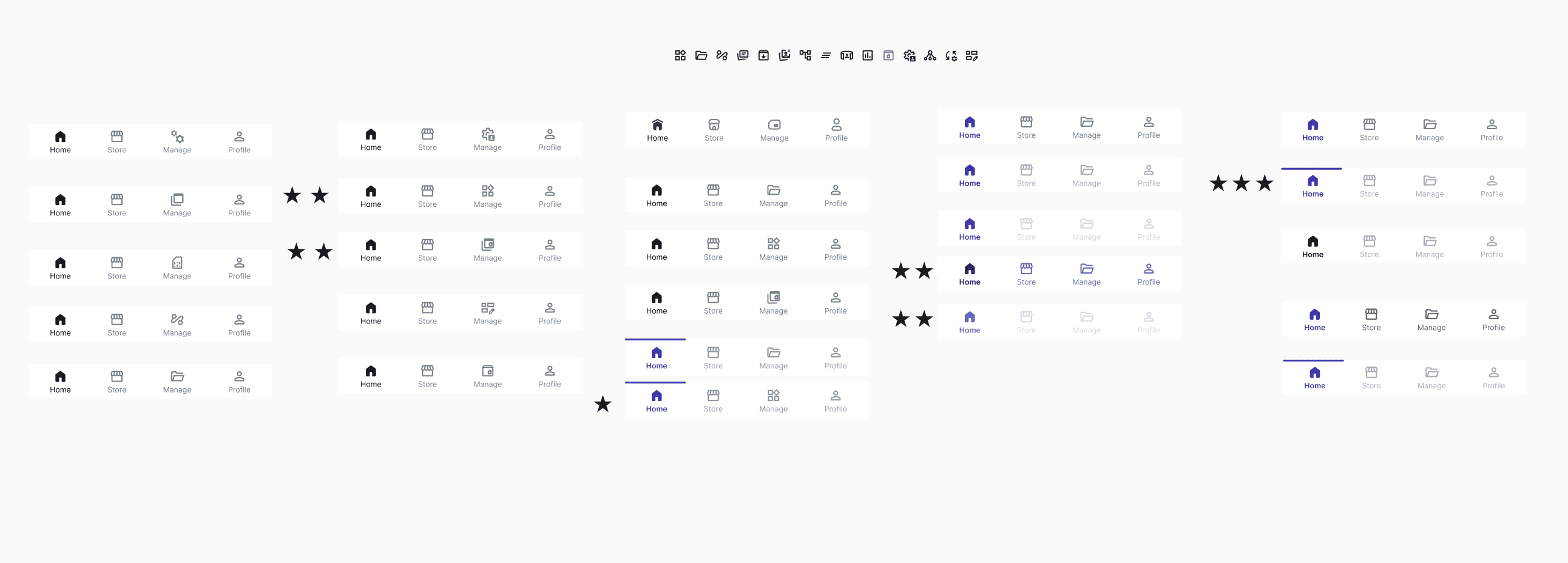
27 nav bar iterations: Stars indicate team preferences across icon styles and visual treatments
The preferred direction used an underline active state.
Leadership flagged it as outdated before handoff. The final version uses colour, label weight, and a filled icon. 3 signals, so the active tab reads clearly without relying on colour alone.

Designs
For desktop, originally a single bar with four sections. Now a two-level structure with contextual dropdowns, Products leading for the first time.
Desktop navigation
Same four sections, different structure for mobile. A full-screen drawer contains Products, Language, Currency, and account access. Outlined below are the 3 primary changes made.
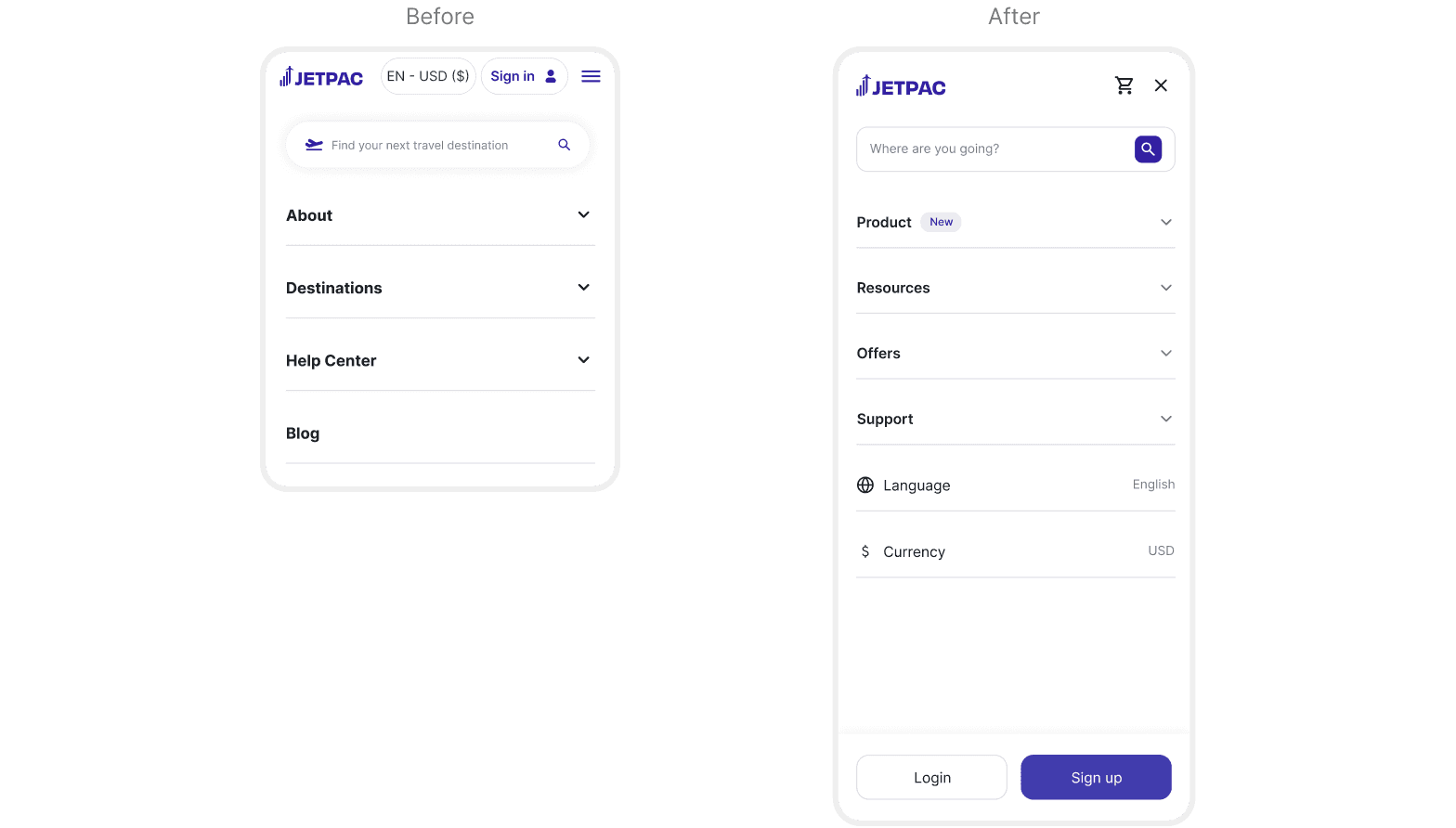

Default and Products
Resources, Offers and Support
The original search only returned eSIM destinations. The new design keeps Data results primary while surfacing Voice, Lounge, and Fast Track as a persistent column alongside.
Search bar functionality
4 tabs: Home, Store, Manage, and Profile. Active and inactive states are distinguished through icon fill, colour, and label weight.
Navigation bar interaction, switching between tabs
Learnings